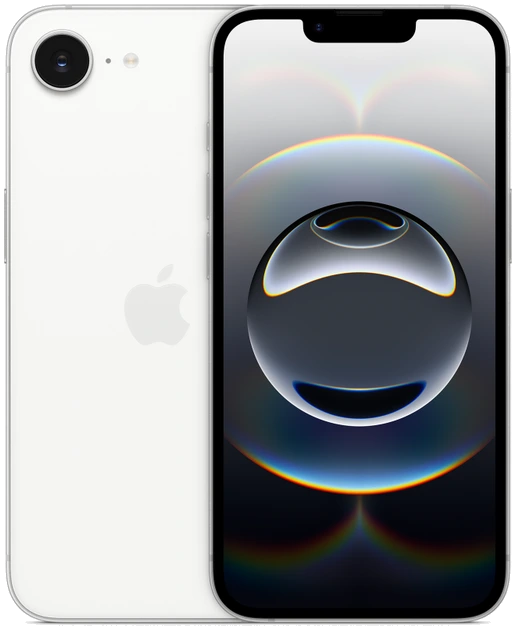
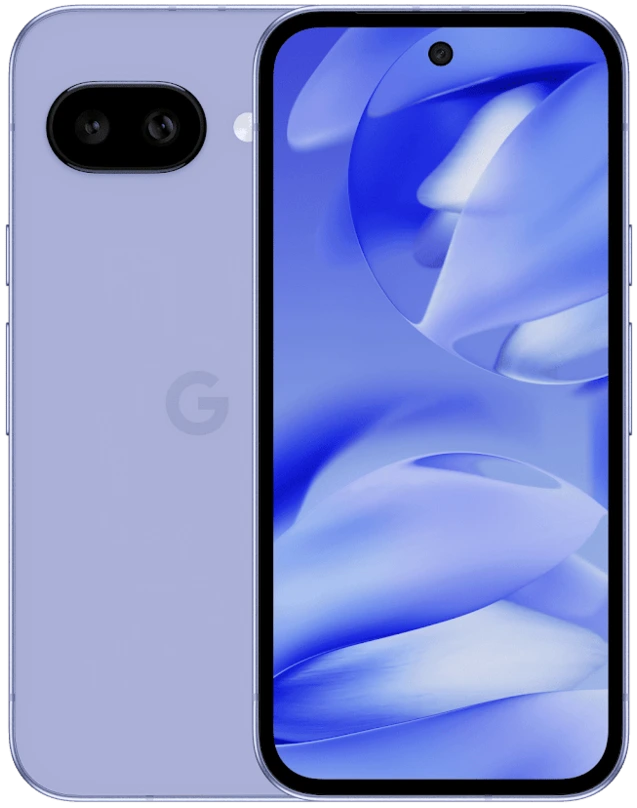
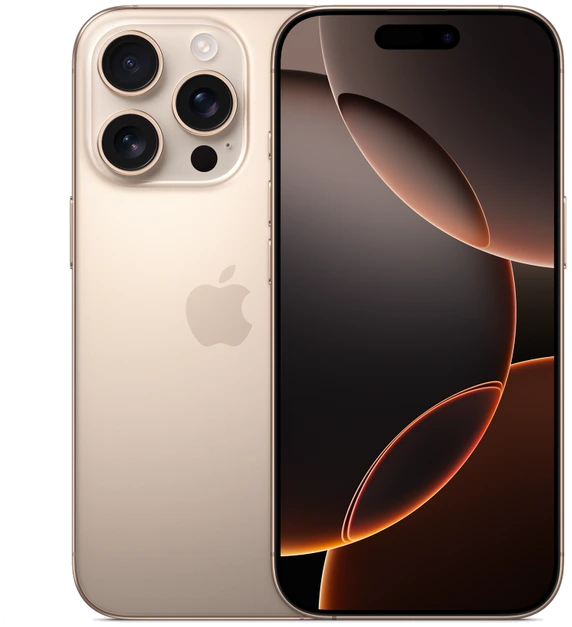
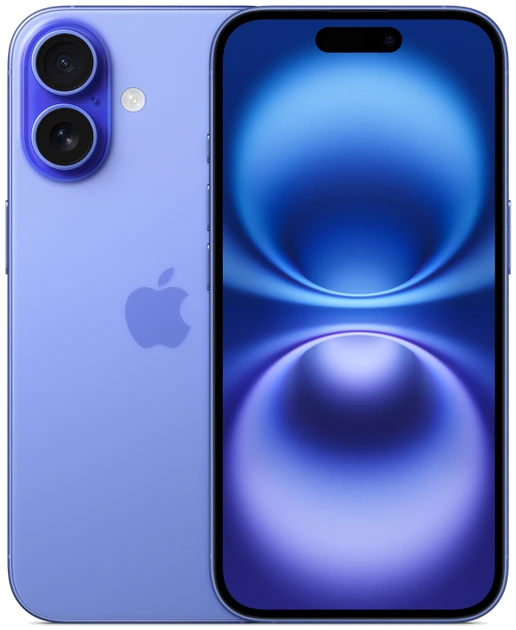
iPhone 16 vs Google Pixel 9
Choose iPhone 16 if you want a smaller 6.1-inch display, use MagSafe accessories, or regularly pass photos and files to a Mac. Choose Google Pixel 9 if you prefer Android and want a 6.3-inch display with the same main and ultrawide cameras Google fitted to its Pixel 9 Pro. Both are 2024 models. This comparison uses U.S. specifications and focuses on what changes in an ordinary week with either phone.
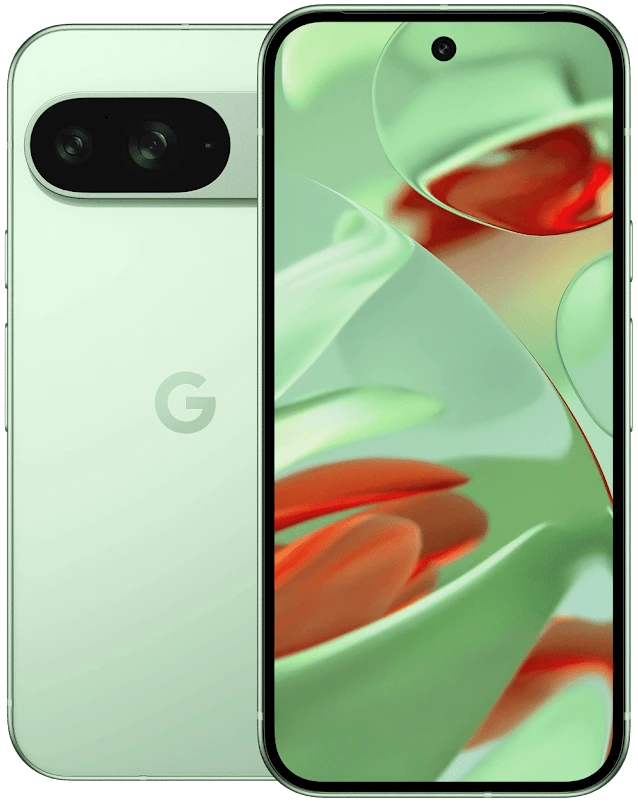
Start with what has to move
Before measuring the screens, make a list of the things that your current phone connects to. A family photo library, paid app, car stereo, work-account sign-in or watch may decide the purchase before a camera feature gets a vote. Check compatibility for each item by name. Moving your email address is a different job from restoring a bank login or transferring a watch plan.
Suppose your current routine ends with a Mac and an iPhone sharing a set of pictures over AirDrop. Keeping iPhone preserves that familiar step. Someone already using an Android work profile and Google Photos may find the Pixel the simpler change. A mixed household can test its shared album on another platform before spending money. The result tells you whether the move will cost ten minutes once or an extra step every evening.
The differences worth putting side by side
These two displays sit close enough in size that text settings and case shape matter. Try them with the same type size, open a long message, then reach for a control in the top corner. Check how you hold the phone when typing on a moving train. Diagonal size describes the display, and reaches only partway toward answering which handset feels comfortable.
| Decision | iPhone 16 | Google Pixel 9 |
|---|---|---|
| Screen format | 6.1-inch OLED | 6.3-inch Actua display |
| Rear camera choices | 48MP main with 2× framing and a dedicated ultrawide | Main and 48MP ultrawide cameras shared with Pixel 9 Pro |
| Operating system family | iOS | Android |
| A useful tie-breaker | Camera Control and built-in MagSafe alignment | Google’s seven-year update commitment for this generation, measured from availability |
Compose the same picture twice
Use a doorway to compare an ordinary frustration. From the same position, frame a person at the table with the main camera. Next, fit everyone around the table with the ultrawide. Both phones offer a wider physical lens, so buying either one gives you a way to include the whole room. Pay attention to the faces at the far edge, where a wider view can stretch proportions.
Apple also documents a 52 mm-equivalent 2× view using the main camera. Google’s standard Pixel 9 shares its two rear cameras with the Pro, while the dedicated 5× telephoto belongs to the Pro. If a child on stage is always tiny in your pictures, a separate comparison with a telephoto-equipped phone is worth your time. Someone taking photos from a restaurant booth has a stronger reason to compare the two ultrawides.
Price the particular phones in front of you
On a previous-generation purchase, compare matching storage capacities and ask about the battery, warranty, carrier lock and return window. A quote that assumes an expensive service plan belongs in a separate column from an unlocked price. Write down the amount due today and the payments you must make later. Include the accessories you would need to replace to complete the switch.
Give each phone one sentence in your shortlist. For example, “the iPhone saves my daily Mac handoff and works with my dash mount,” or “the Pixel gives me the Android tools I use on a slightly larger screen.” If the two offers then look close, choose the routine you would happily repeat tomorrow. Check the exact model number and storage on the seller’s paperwork before making the comparison final.